
EdTech · Assessment · Multi-tenant
Cognexa
One exam platform, run two ways.
- Role
- Senior product designer, leading the design
- For
- VigiLearn: academic 2025, corporate 2026
- Designed for
- Institutions and companies
- Status
- Academic live; corporate in engineering
- 16
- Interviews: 7 students, 3 tutors and 6 people who run assessments in companies
- 2
- Modes on one platform: academic and corporate
- 80%
- Of the designs, and all of the research and feature definition
The problem
Same exam, different stakes.
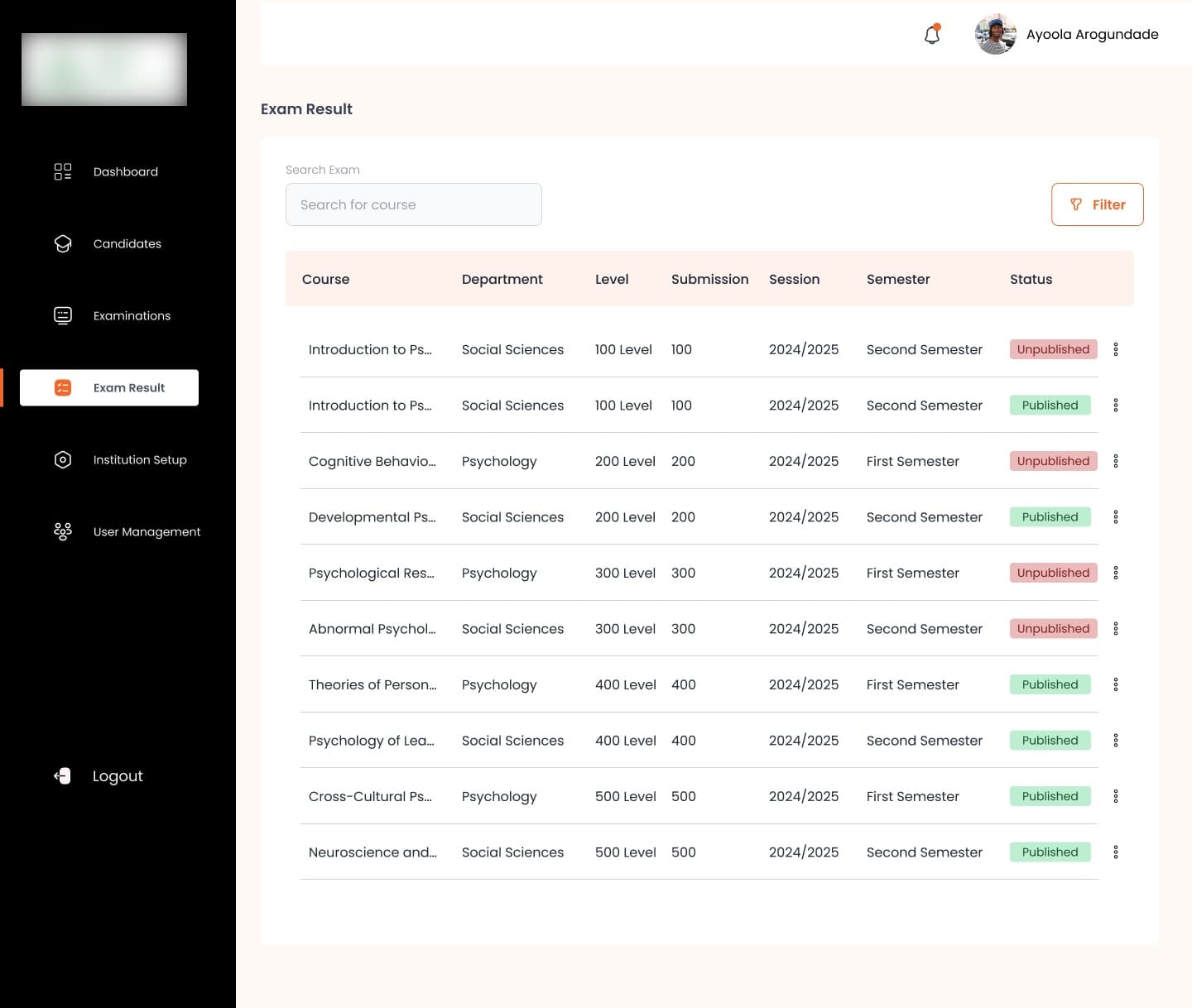
A university runs exams across programs, levels, sessions and semesters. Its candidates are enrolled students, and a result is a grade the institution publishes per course.
A company runs an assessment to decide something: who to hire, who to promote, who is certified or compliant. Its candidates can be employees or strangers applying for a job, and a result has to stand up as a decision. Both need a question bank, a proctored sitting and a result. Almost everything around those is different, including how they pay.
Research
The research moved the questions out of the exam.
VigiLearn's other products already had students using them, so we began with their data. Then I interviewed 7 students, 3 tutors and 6 people who run assessments in companies, alongside stakeholder meetings.
The biggest change to the requirements: questions no longer live inside an exam. Assessment templates hold them. One assessment can draw on several templates, which makes a phased exam, and one assessment can serve several cohorts. The corporate interviews changed how companies pay, too.
Two modes, side by side
Pick a stage. Switch the mode.
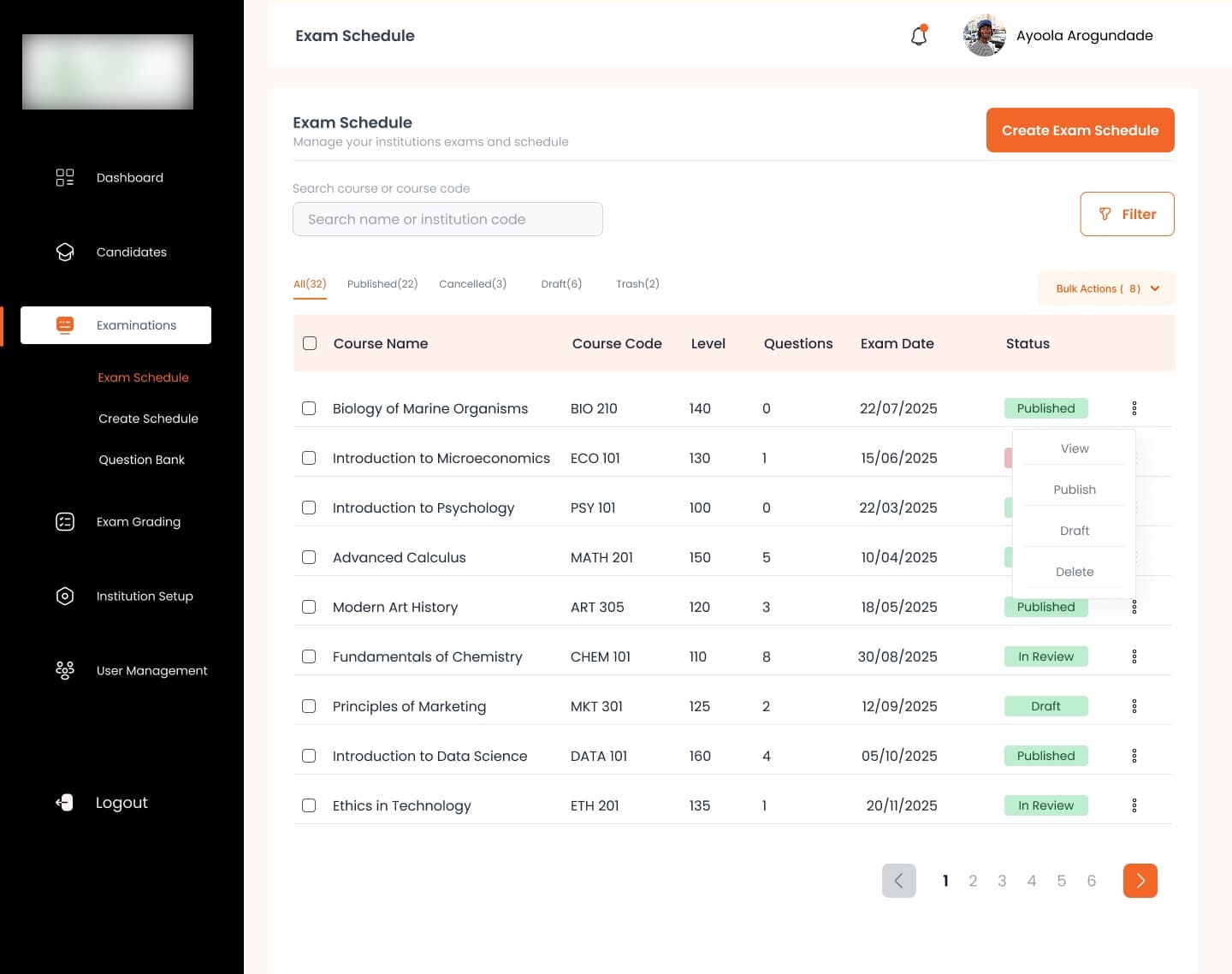
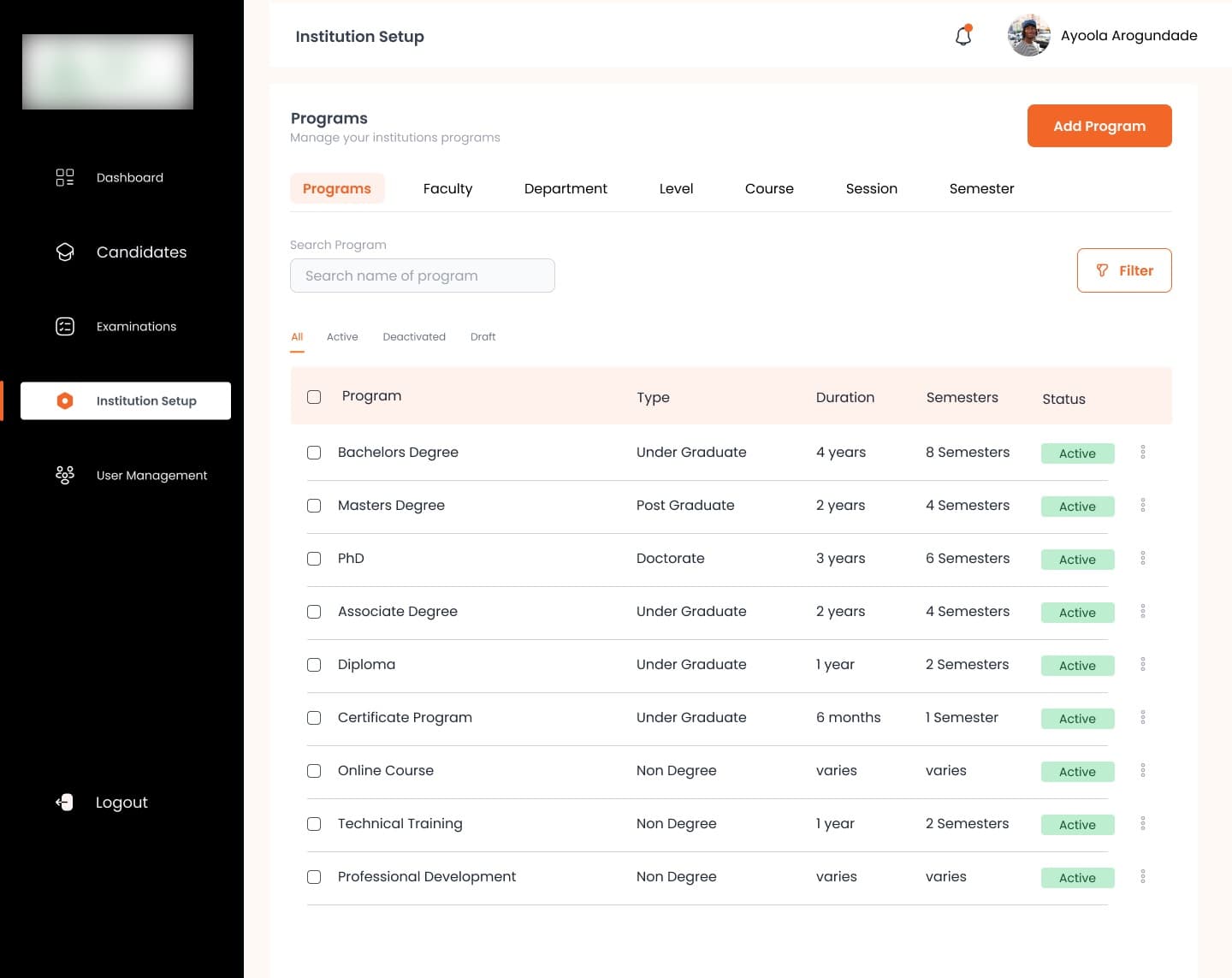
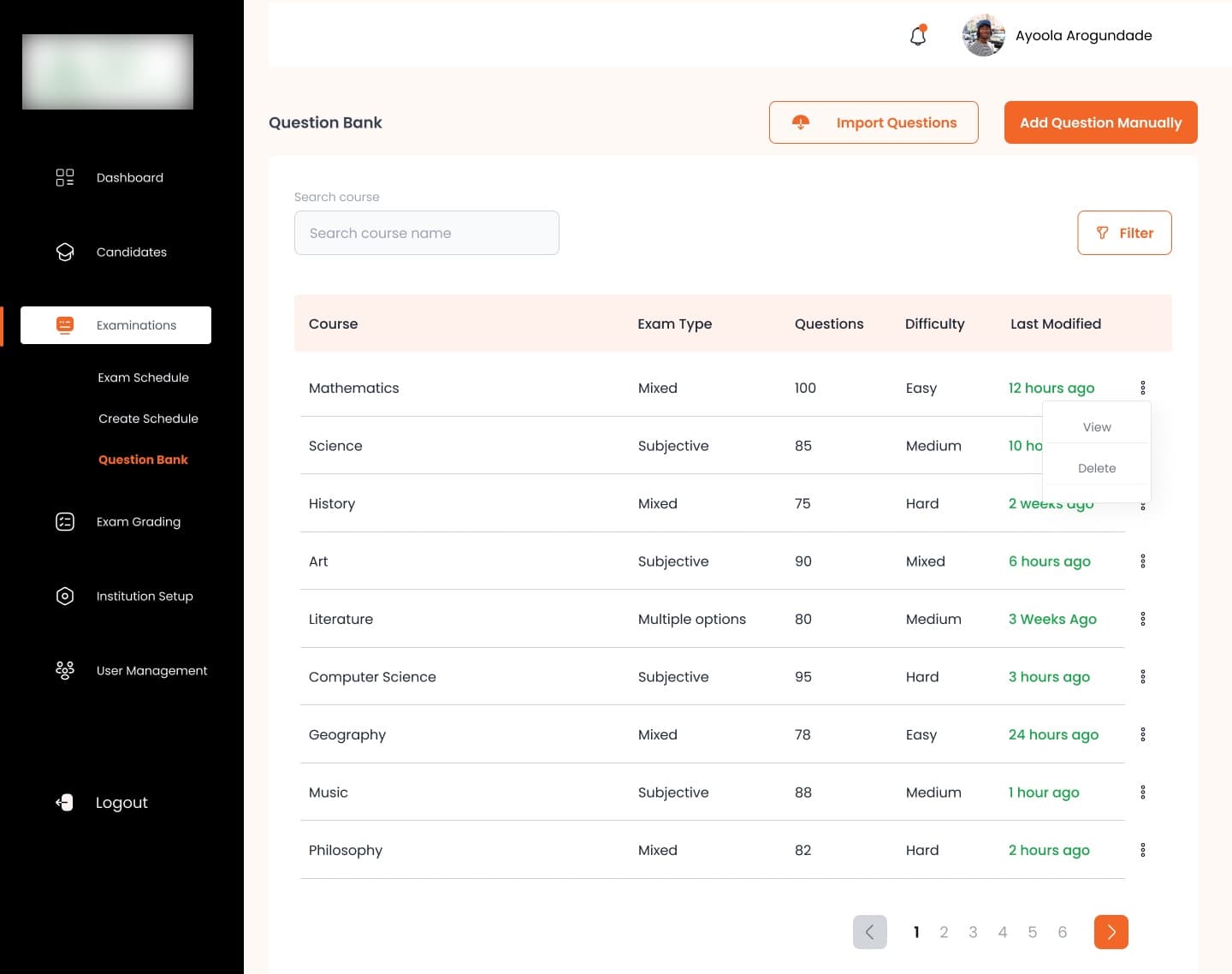
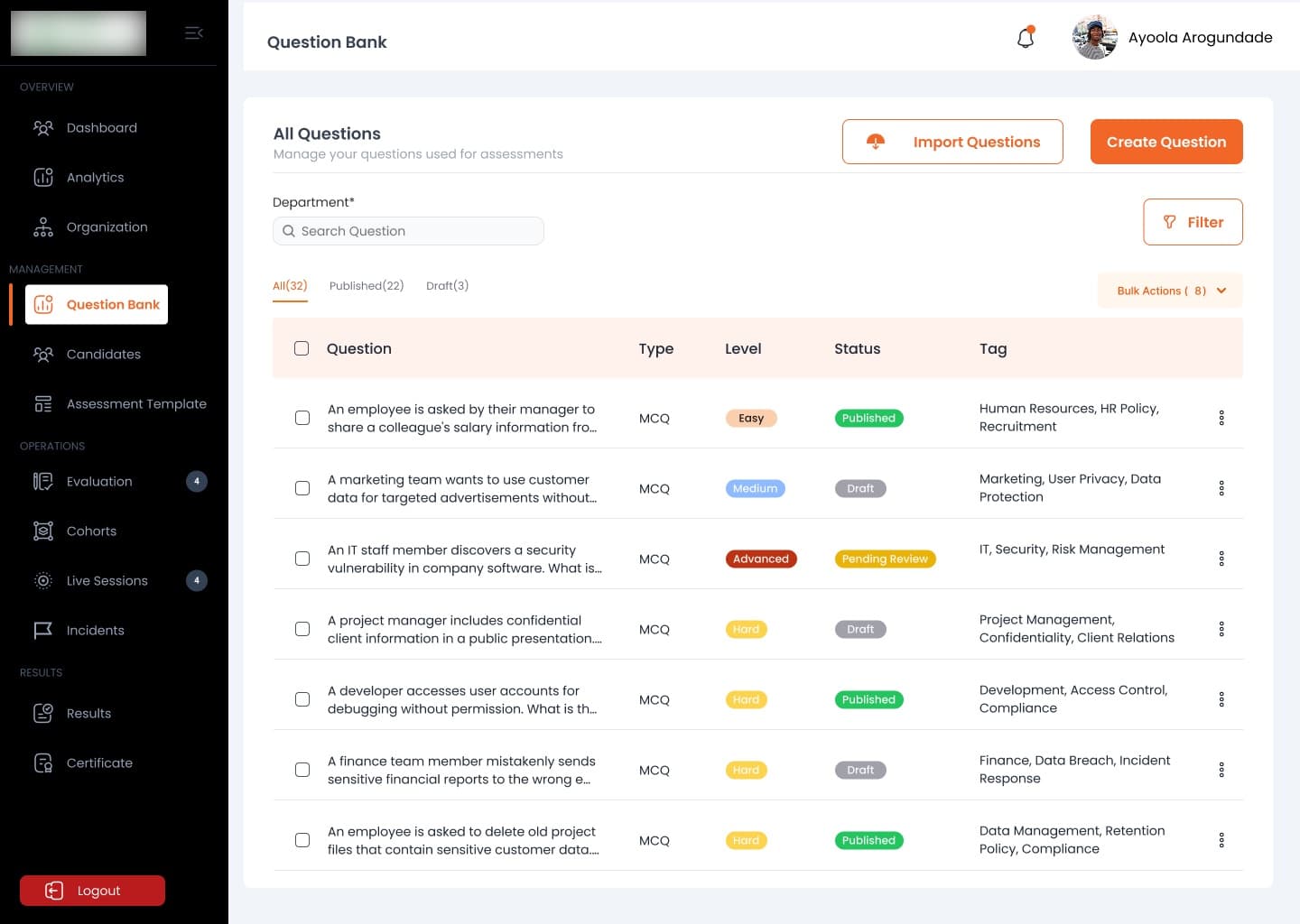
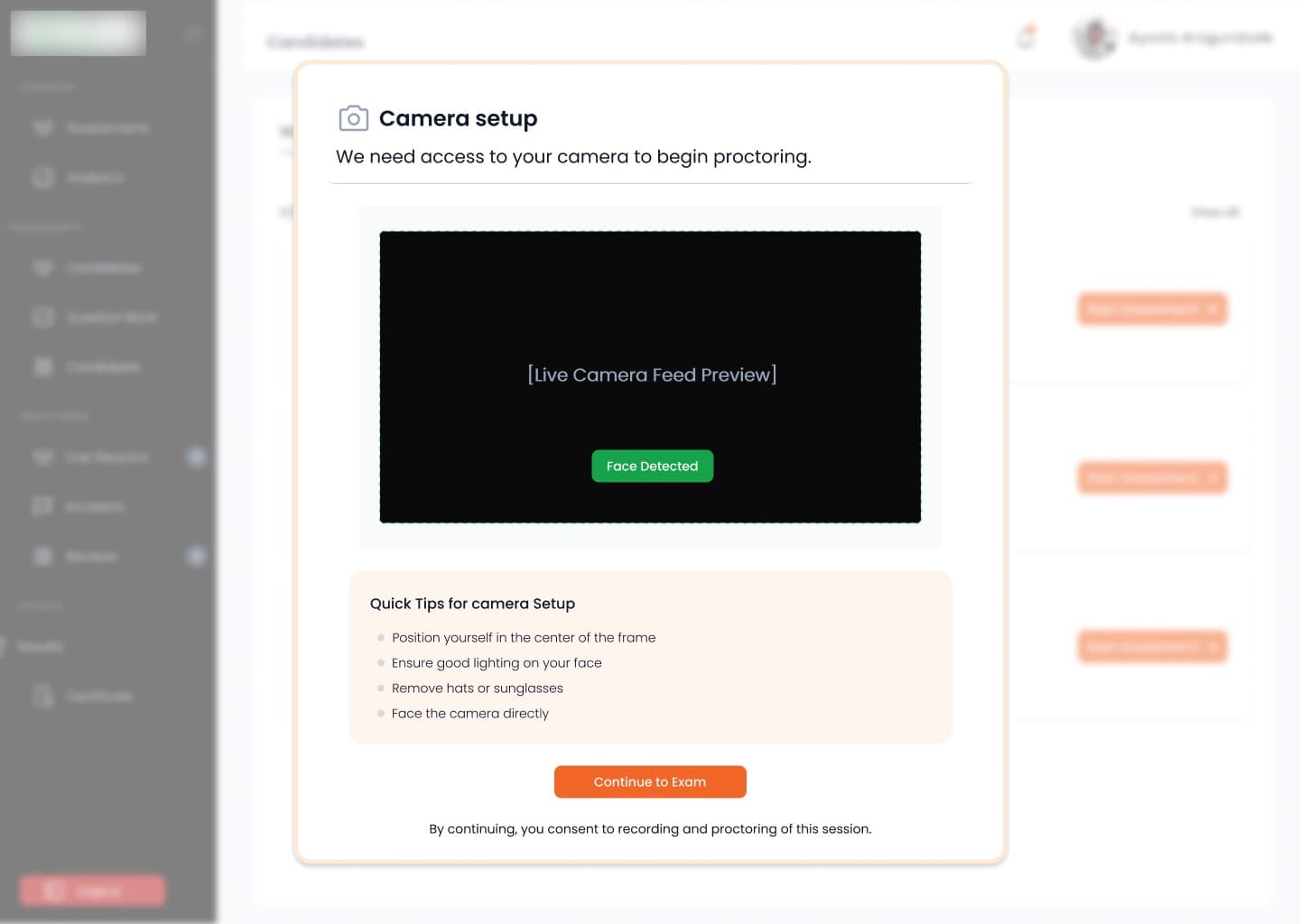
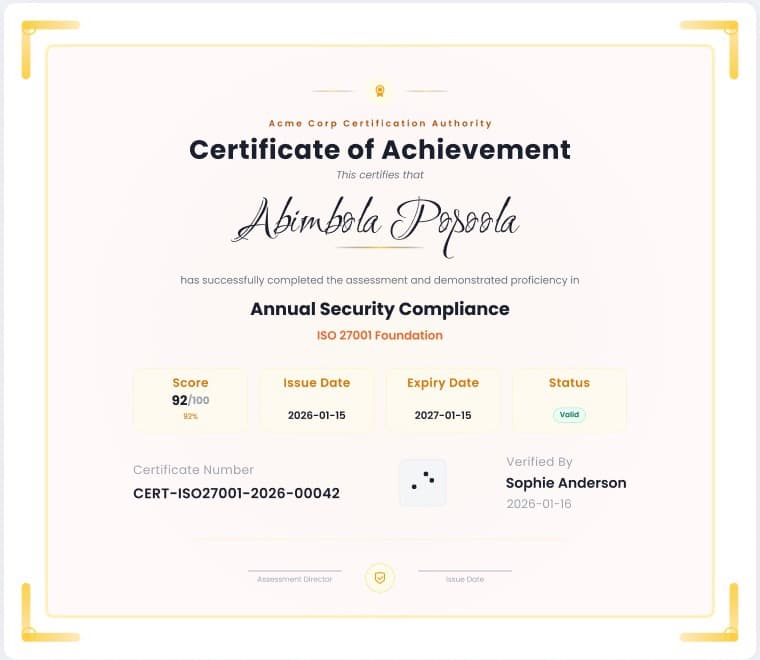
Every screen is from the designs. The client's logo is blurred.
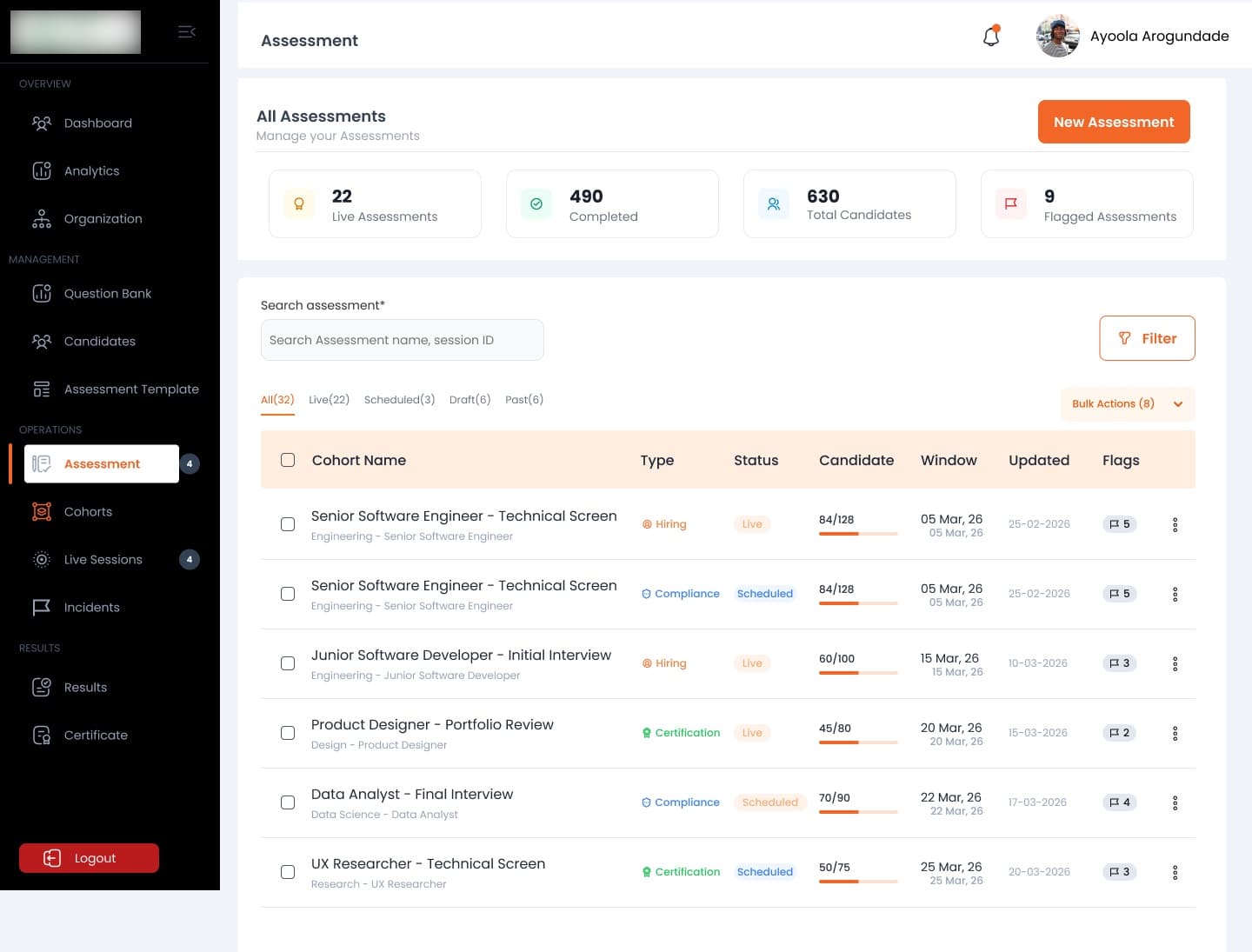
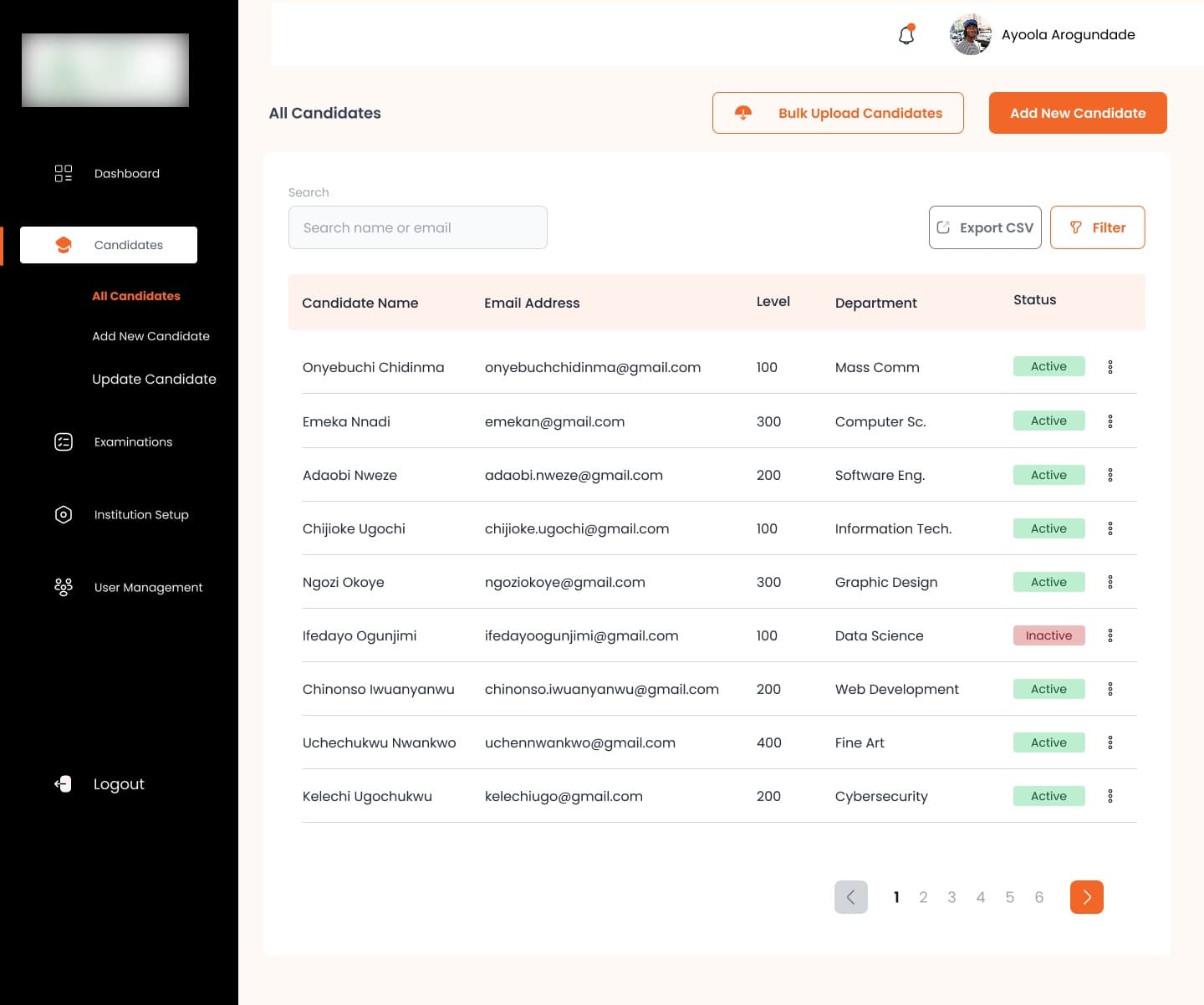
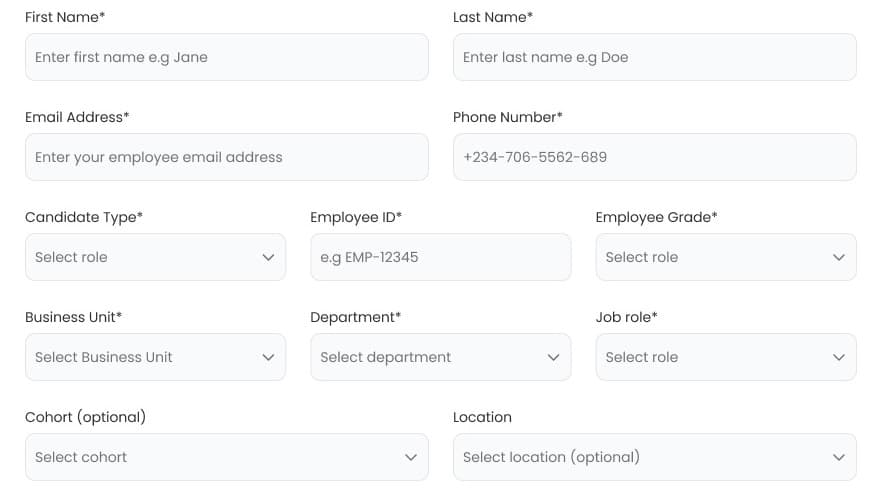
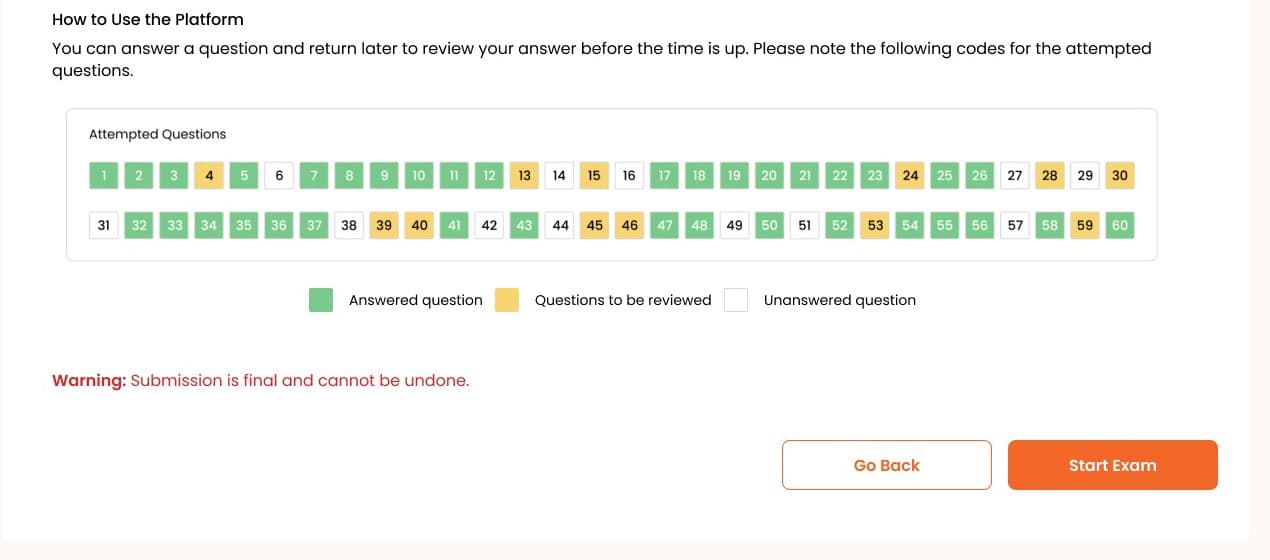
| Aca | Cor | |
|---|---|---|
| Structure | ||
| Questions | ||
| Exam | ||
| Candidate | ||
| Before the sitting | ||
| Result |
Each dot is a real screen. Pick one to open it.
Accessibility
Built for the conditions people sit exams in.
An exam shouldn't depend on a perfect laptop, a perfect connection or perfect eyesight. All of this is in both modes.
- Keyboard
The whole exam by keyboard
Candidates can sit an exam without a mouse.
- Screen readers
Read aloud
The exam works with screen readers.
- Text size
Text that scales
Candidates can make the text bigger.
- Language
Plain instructions
Instructions are written in plain language, so the rules are clear before the clock starts.
- Bandwidth
A low-bandwidth mode
For candidates on slow or costly connections.
- Connection
Nothing lost offline
Answers autosave. If the connection drops, a banner says so and reconnects; a closed browser resumes within the exam window.
- Hardware
A way round every check
No camera: upload a selfie. No microphone: continue on video only. Amber checks warn rather than block.
- Accommodation
Extra time, on request
An admin approves accommodations such as extra time before the exam.
In design · corporateAn AI assistant that helps people find their way round the system.
The object maps
Two maps, one platform.
I mapped both modes before designing them. The same system admin sets up every customer; after that the structures part ways.
System adminprofiles every tenant, in both modes
- Institutionlicenses each user for a year
- Program → Coursethe institution's own structure
- Examone object: what's asked and when
- Attempt → Resulta score, published by the institution
- Organizationspends credits: 1 per candidate
- Department → Job role → Cohortwho is being assessed
- Template + Sessionwhat's asked, then who, when and how
- Attempt → Result → Certificatea decision: eligible, certified…
Decisions
Four places the modes part ways.
Corporate splits the exam in two
- Chose
- A reusable assessment template for what's asked, and an assessment session for who sits it, when and how it's proctored.
- Why
- The research: companies run the same questions for cohort after cohort, and in phases. Holding questions in templates lets one assessment combine several and serve several cohorts.
A result is a decision
- Chose
- Results named by the assessment's purpose: qualified, eligible, certified or compliant, and a certificate on a pass.
- Why
- HR has to act on a result and defend it. A score alone leaves them to interpret it.
Licenses for institutions, credits for companies
- Chose
- Institutions license each user for a year. Companies buy credits: one per candidate, taken when an assessment is scheduled and refunded if it's cancelled.
- Why
- Companies test for hiring and promotion, so who they test keeps changing. In interviews, managers said they had to delete users to free a license before adding new ones.
Proctoring explained before it starts
- Chose
- Identity checks, camera setup with tips and a consent line, all before the first question.
- Why
- A candidate should know what's recorded, and fix their camera, before anything counts.
What happened
The academic portal is live with institutions.
There's no public link yet, so there are no numbers to share. The corporate version is in engineering, and I'm testing it as it's built.